Super Mariomon is an exciting ROM hack of Pokémon Emerald, and since it comes in .BPS format, you’ll need to patch it onto a clean Pokémon Emerald ROM before you can play. Below, we’ll guide you through the patching process for Windows, Android, and iPhone devices.
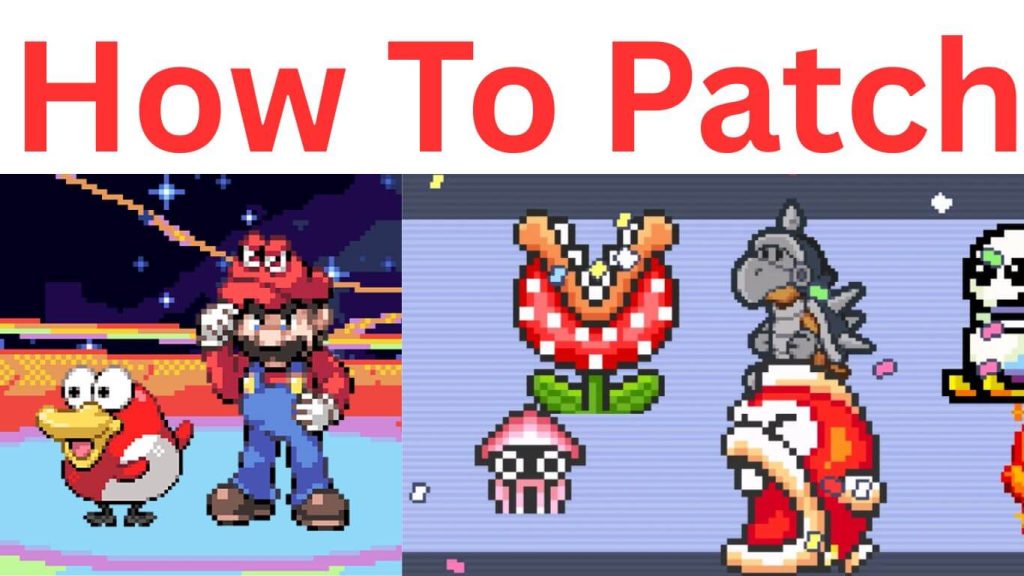
How To Patch Super MarioMon
Step 1: Get the Required Files
Before you start, make sure you have:
- Super Mariomon .IPS patch (Download from the Super Mariomon Download)
- A clean Pokémon Emerald ROM (Download)
- An IPS patching tool
- Windows: Lunar IPS
- Android: UniPatcher
- iPhone (iOS): iPatching (via AltStore)
How to Patch on Windows (Using Lunar IPS)
- Download and extract Lunar IPS. Or use any Online ROM Patcher
- Open Lunar IPS and click “Apply BPS Patch.”
- Select the Super Mariomon.IPS file.
- Choose your clean Pokémon Emerald ROM.
- Save the patched ROM and load it into an emulator like mGBA or VisualBoyAdvance.
How to Patch on Android (Using UniPatcher)
- Install UniPatcher from the Google Play Store.
- Open the app and tap “Select IPS file” to choose the Super Mariomon.BPS.
- Tap “Select ROM file” and choose your clean Pokémon Emerald ROM.
- Tap “Apply Patch”, then save the patched ROM.
- Open the patched ROM in an emulator like My Boy! or Pizza Boy GBA.
How to Patch on iPhone (iOS) (Using iPatching & AltStore)
- Install AltStore on your iPhone (follow the instructions on AltStore’s official site).
- Download and install iPatching through AltStore.
- Open iPatching and select “Apply IPS Patch.”
- Choose the Super Mariomon.IPS file and then select the Pokémon Emerald ROM.
- Save the patched ROM and play it using GBA4iOS, Delta, or RetroArch.
Final Steps: Load the Patched ROM
Once patched, simply load the new Super Mariomon GBA file into your emulator of choice and start playing!
Enjoy the adventure in the world of Super Mariomon!